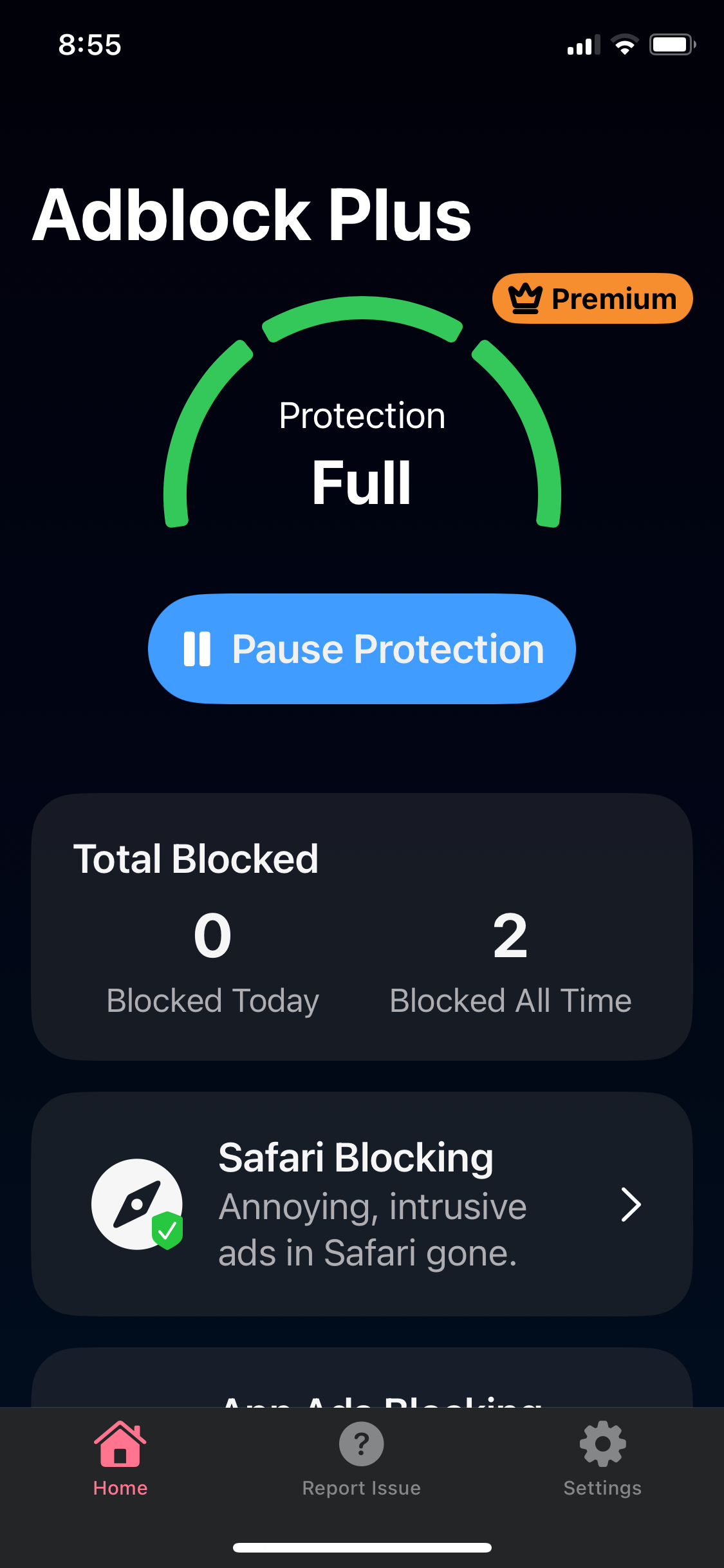
To log in to your Premium account on iOS, just follow the steps below that correspond to how you purchased your subscription.
If you purchased Premium through the desktop extension (Paddle):
-
Open the ABP for Safari iOS app.
-
Tap Settings > Create Account (or Log in if you've already created an account).
-
Enter the email associated with your Premium subscription.
-
Tap Continue.
-
Check your email for the verification code and enter it in the field provided.
-
Tap Submit.
If you purchased Premium through the ABP app (Apple):
-
Open the ABP for iOS app.
-
Tap Settings > Manage App Store Subscription.
-
Tap Restore Purchase.
When successfully logged in, the Premium badge will appear on the Home screen: