
What are the red boxes I see?
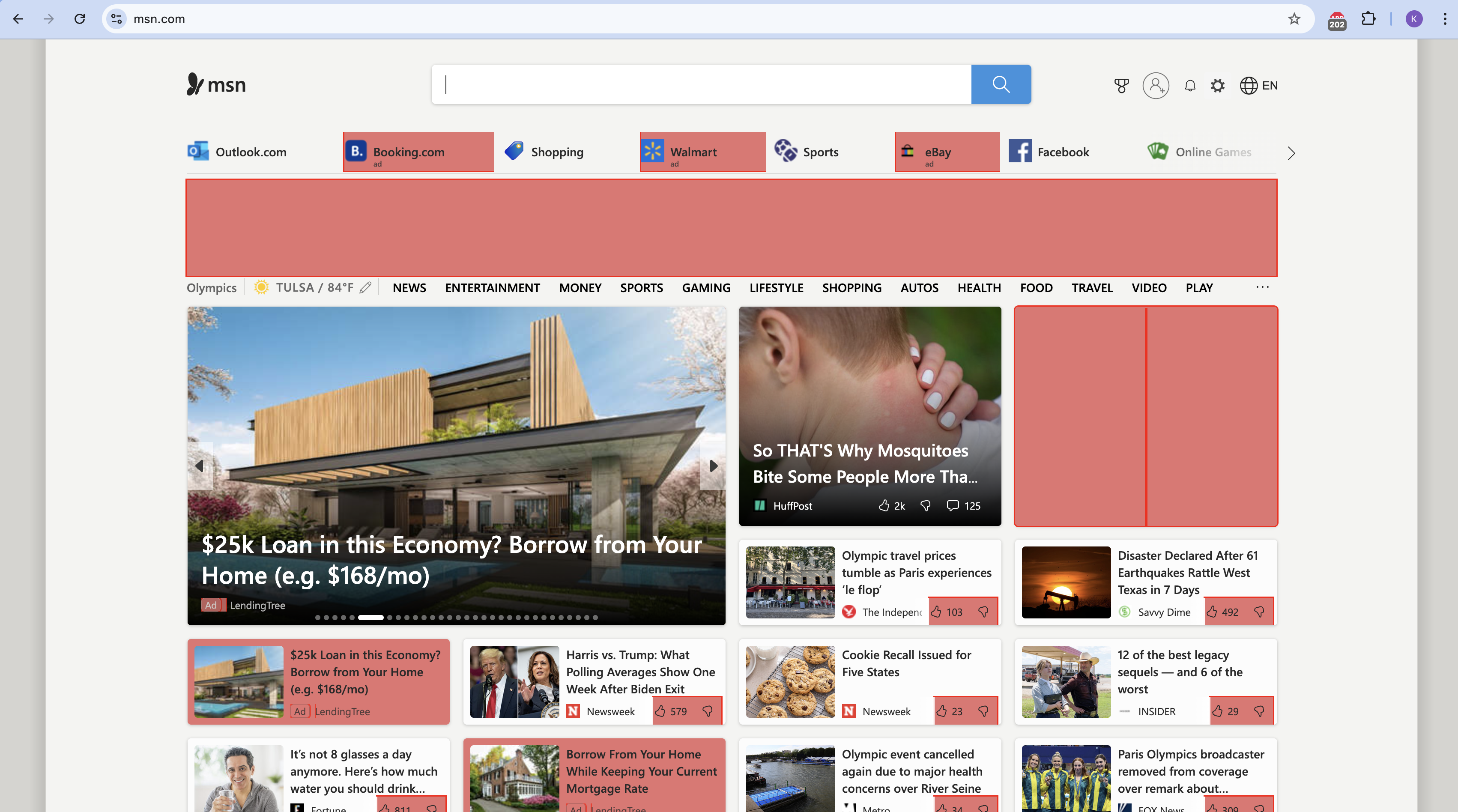
If you are seeing red or pink boxes on a webpage, this is the result of enabling Turn on debug element hiding filters mode on the Advanced tab in ABP's Options.
So that you can see what's hidden on a webpage, the debug element hiding filters mode highlights in red any elements that are affected by element hiding filters. Here's an example:
How do I turn them off?
To disable this option, do the following:
-
Click the Adblock Plus icon on your browser toolbar. If you don’t see it, be sure to pin it.
-
Click the gear icon. The Options page opens.
-
Click Advanced.
-
Under Customizations, deselect Turn on debug element hiding filters mode.