
One subscription covers all your devices. Simply install ABP on any supported platform and sign in to activate your Premium features.
Activate Premium
Already a Premium subscriber? Don't worry—you won't be charged again if you reinstall the extension or switch browsers. Just follow the steps below to log in.
Desktop (Chrome, Firefox, Edge, and Opera)
Follow these steps to activate your upgrade:
-
Click on the Adblock Plus icon on your browser’s toolbar. If you don’t see it, be sure to pin it: Hide or show the Adblock Plus icon.
-
On the pop-up menu, click the gear icon.
-
Click on Log in.
-
Enter the email address associated with your subscription. Leave this tab open while you check your email.
-
When you receive the emailed code, enter it in the field provided. If you don't receive the code, be sure to check your spam/junk folder.
If you experience an issue, check out problems unlocking Premium.
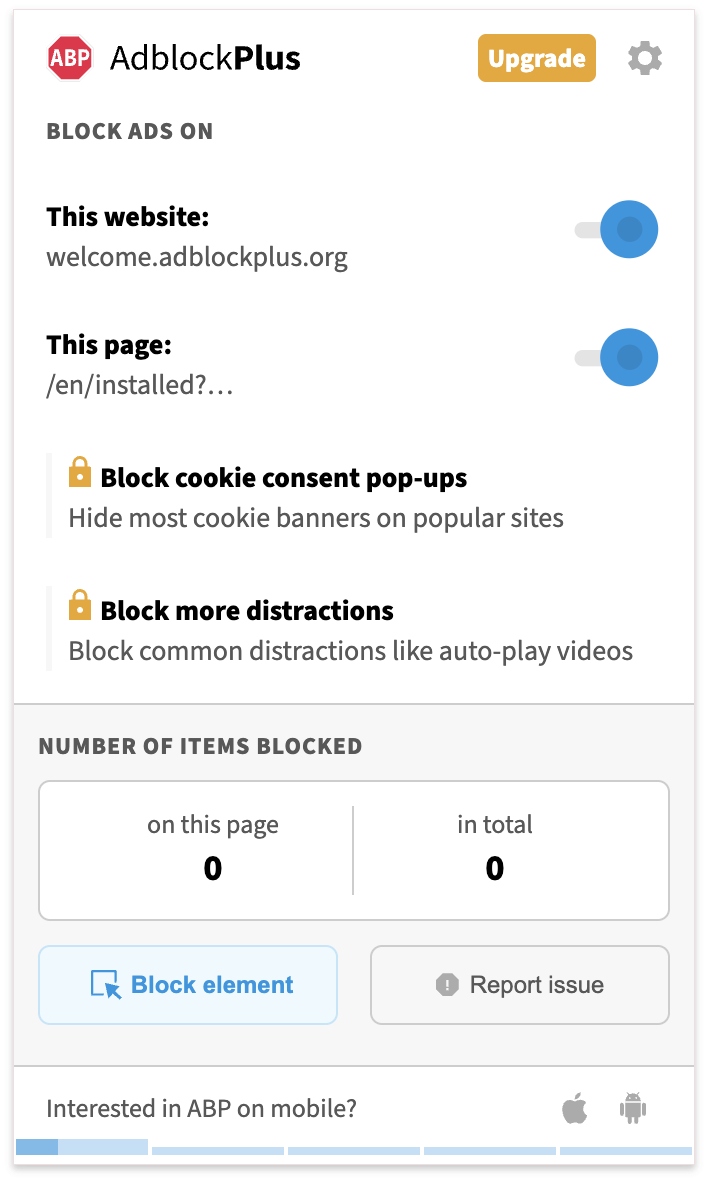
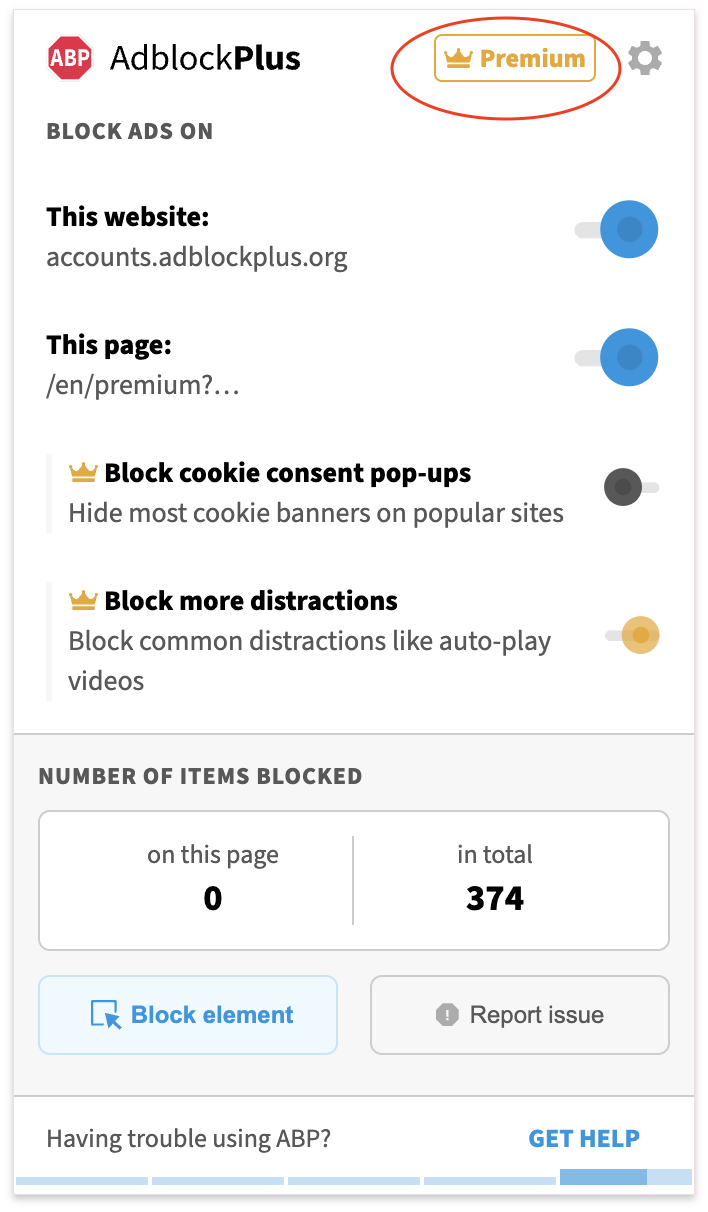
When Premium has been successfully enabled, you'll see "Premium" displayed on the ABP pop-up menu.
|
|
|
Premium not enabled |
Premium successfully enabled |
Purchase Premium
If you don't have an active subscription, use the steps below to purchase the upgrade.
Desktop (Chrome, Firefox, Edge, and Opera)
Follow these steps to purchase Premium:
-
Click on the Adblock Plus icon in your browser’s toolbar. If you don’t see the icon, be sure to pin it: How to hide/show icon.
-
On the ABP pop-up menu, click on Upgrade.
-
Select the subscription option of your choice (monthly/yearly).
-
Click Get Premium.
-
Enter your information and payment method.
-
Click Subscribe now.
If you encounter an error after paying, please check out problems unlocking Premium.
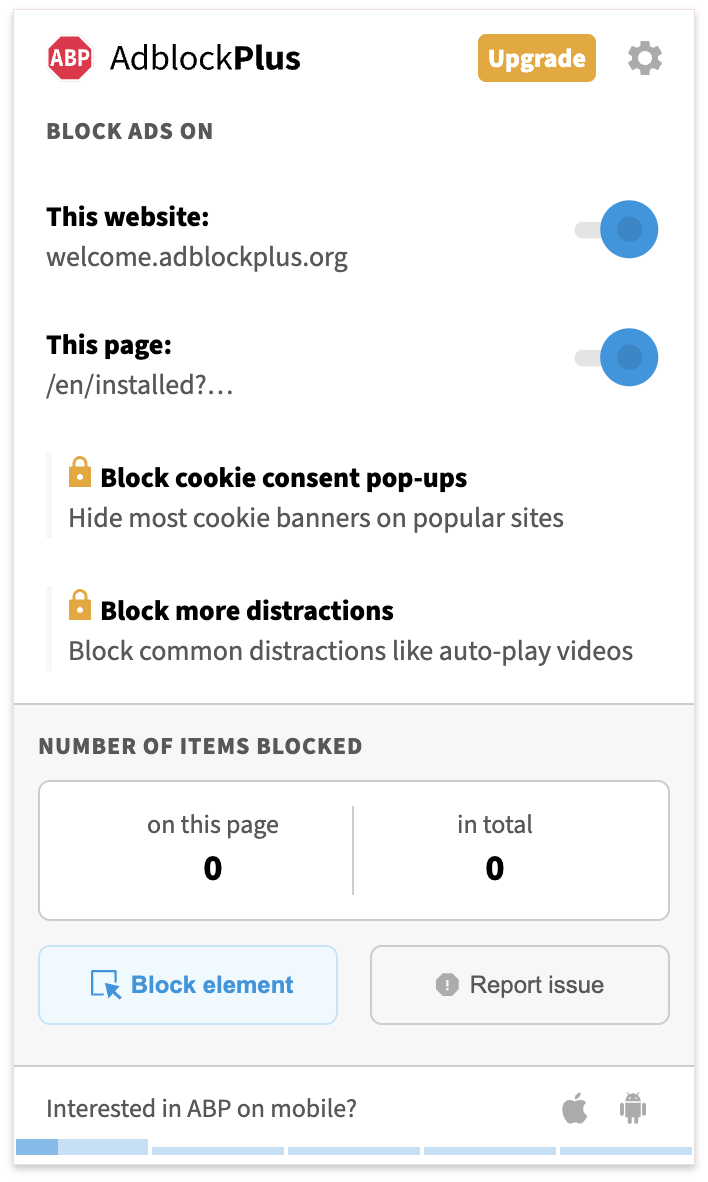
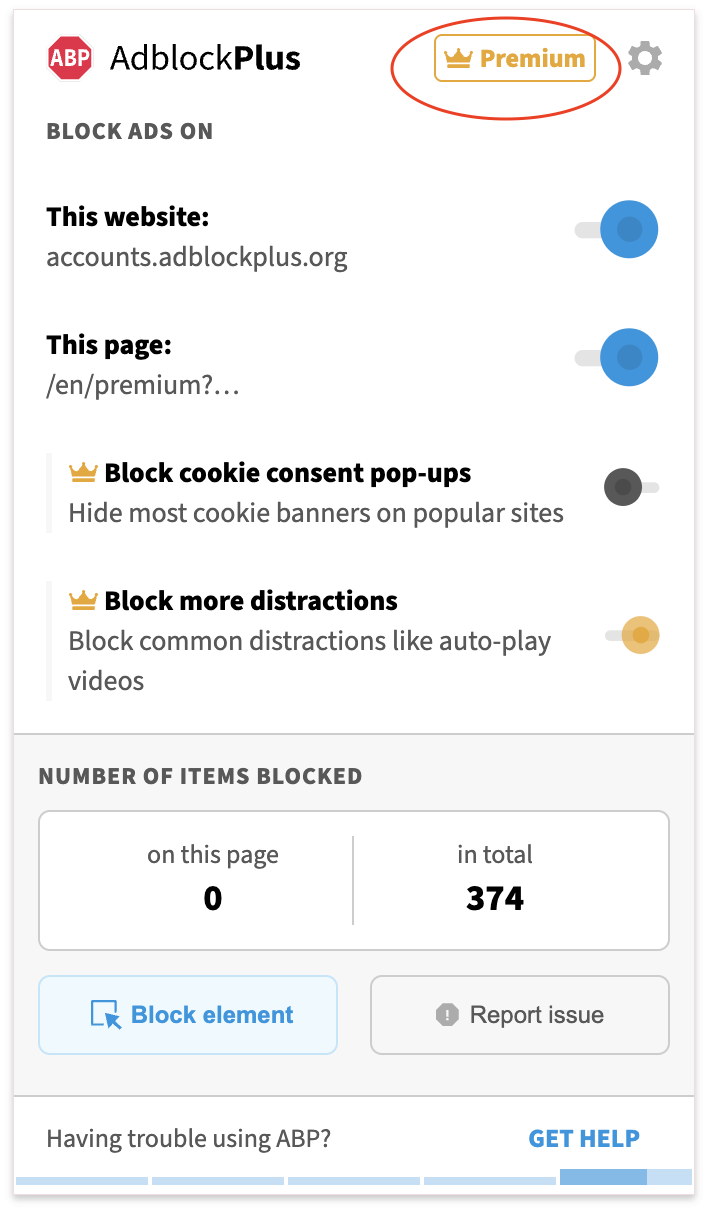
When Premium has been successfully enabled, you will see "Premium" displayed on the ABP pop-up menu.
|
|
|
Premium not enabled |
Premium successfully enabled |
If you don't see the Premium emblem appear on ABP's menu after paying, but you received a receipt, try redeeming the upgrade instead of purchasing again. To enable Premium on additional browsers or profiles you use, please see the section "Activate Premium”.
What if I already paid?
You can unlock the Premium features on any supported device, browser, or profile without paying again. Just install ABP and sign in to restore your access.
What devices support Premium?
You can use Premium on:
-
ABP desktop extensions for Chrome, Firefox, Edge, and Opera
Our other mobile apps and our ABP for Safari Mac app include free ad blocking but don’t currently support Premium features. We hope to make Premium available on more platforms in the future!
Have more questions about Premium?
For other questions about Premium, please review these articles: Adblock Plus Premium.