
What is the Block Element feature?
With the Block Element feature in Adblock Plus (ABP), you can hide parts of a webpage—like ads, images, or boxes—you don’t want to see. If the option doesn’t show up, here’s what might be causing it and how to fix it.
Not everything can or should be blocked manually. If you’re seeing ads, before trying to manually block them, first check that your ABP settings are correct: What to do if you are seeing ads.
Where does the option typically appear?
If you aren’t seeing the option appear, here’s where you should see it:
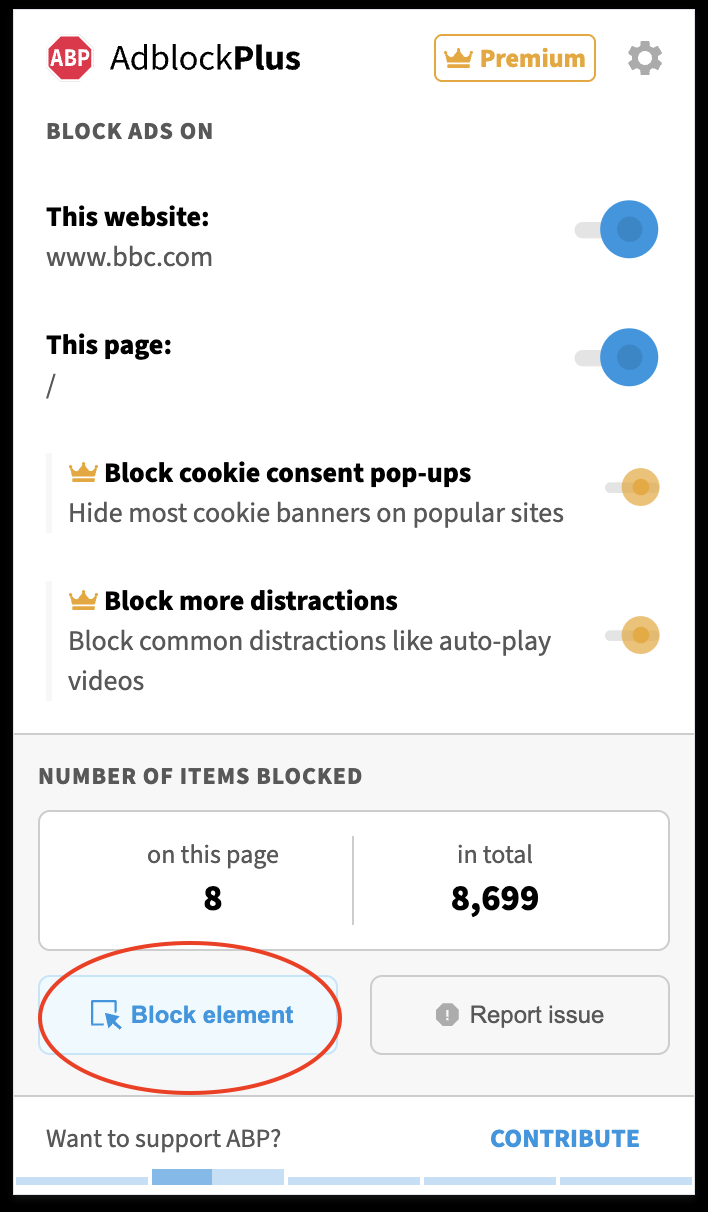
|
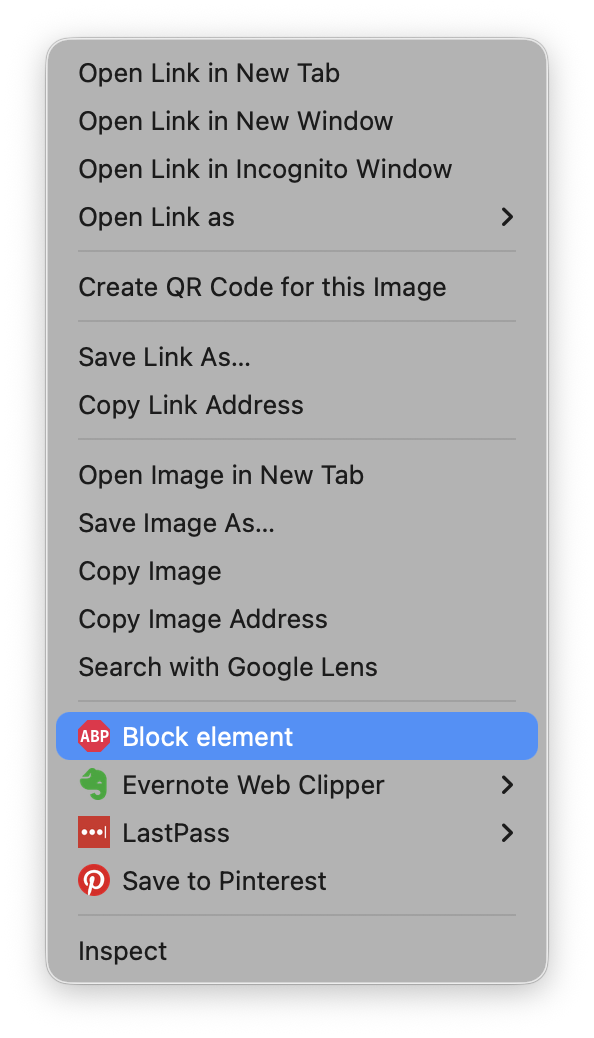
|
Why don’t I see the Block Element option?
If you aren’t seeing the Block Element option appear, here are the most common reasons:
Page is still loading
Sometimes the Block Element tool won’t appear right away when you open the ABP menu. Try waiting until the page is completely loaded. If it doesn't appear, try refreshing the page and checking again.
Your browser prevents it from appearing
Depending on your browser, the option may not be available on all pages.
For example, Chrome does not allow extensions to interact with the Chrome Web Store, so you won’t see this option on those pages.
In Opera, you must manually enable Allow access to search page results on the Extensions page, as Opera doesn't allow extensions to interact with search engine websites by default.
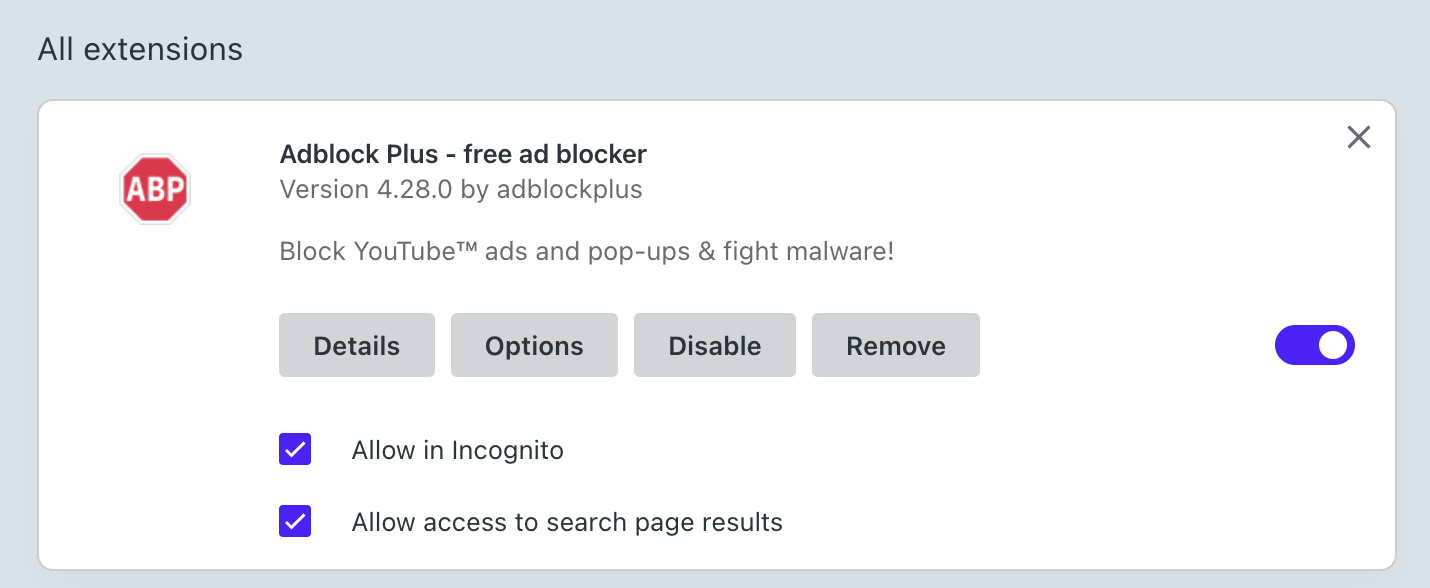
Right-click menu needs to be enabled
If you don't see the Block Element option on the right-click menu, first make sure that the option is enabled in your ABP settings:
-
Click on the Adblock Plus icon.
-
Click on the gear icon.
-
Click on Advanced.
-
Make sure the option Show 'Block element' right-click menu item is switched ON.
Selected element can't be blocked
If you've confirmed that the block element option is enabled but the option still doesn't appear on the right-click menu, it may be that you are trying to block something that we can't block as not everything on a page can be blocked with this feature. For example, some text, background styles, or dynamic elements cannot be hidden. If you want to learn more, see our guide: Block a specific element.