
What distractions are blocked?
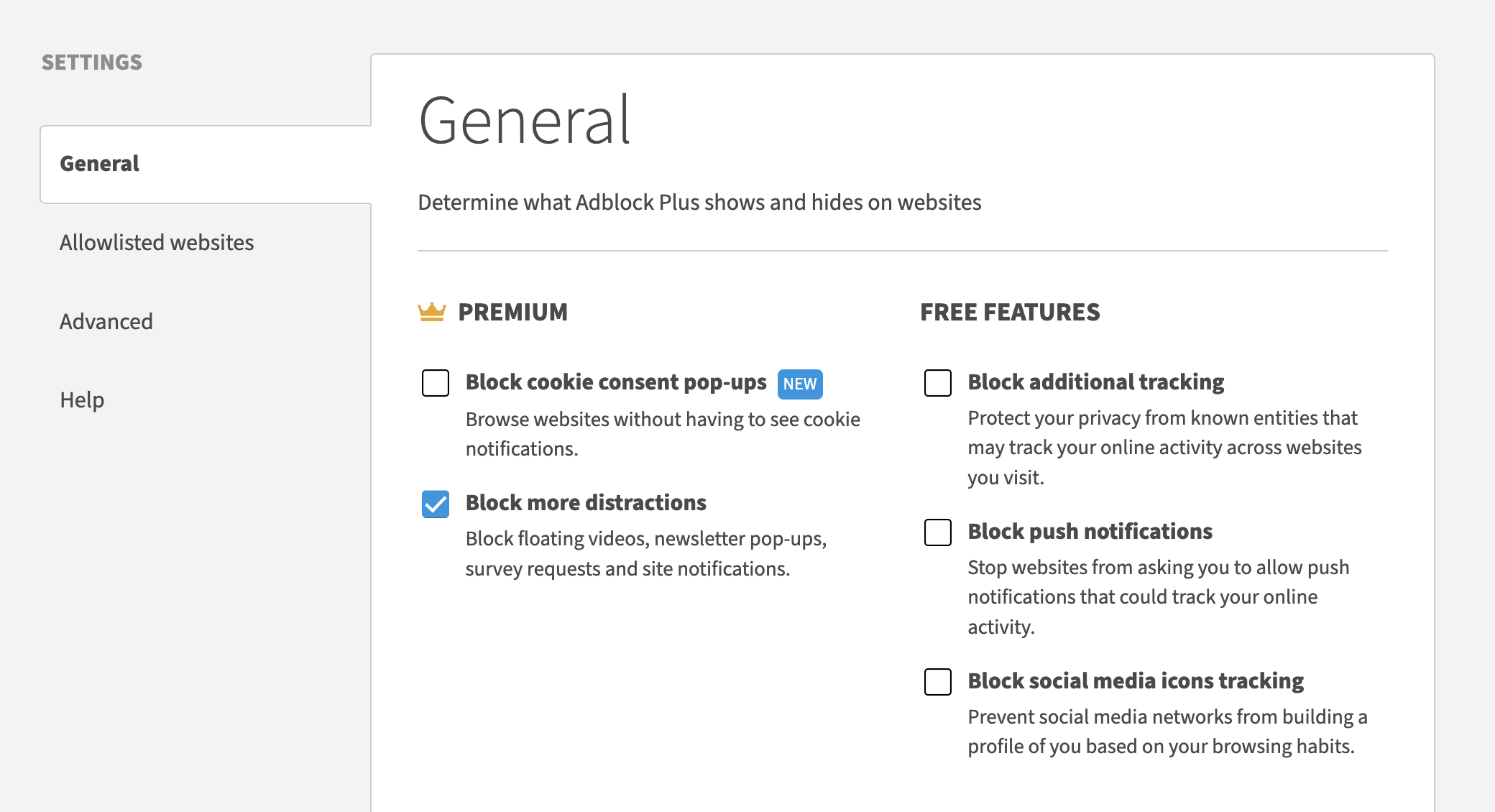
Some of our most frequent complaints are about floating videos and site notifications (those little pop-ups in the corner of your screen that look like ads). And we've heard you! With this feature enabled, you'll no longer see floating videos and other annoyances, such as survey requests and newsletter pop-ups. It's just one more step toward putting you in full control of your online experience!
Enable the feature
Note
Haven't yet purchased Premium? Get Adblock Plus Premium.
If you've already paid, make sure you've unlocked your Premium upgrade.
-
Click on the ABP icon on your browser's toolbar. If you don’t see it, be sure to pin it.
-
Click the gear icon.
-
On the General tab, select Block more distractions.
-
Click Ok, got it on the dialogue box that appears.
Note
The Premium upgrade is available on desktop for Chrome, Edge, Firefox, and Opera browsers. It is also available on mobile for iOS. Learn more: All about Adblock Plus Premium.