
Why do I see a pop-up in the corner of my browser?
If you're seeing an ad in the lower, right-hand corner of your desktop, you may have opted in to allow a website to show you notifications. This can cause ads to show in the notification area of the browser window.
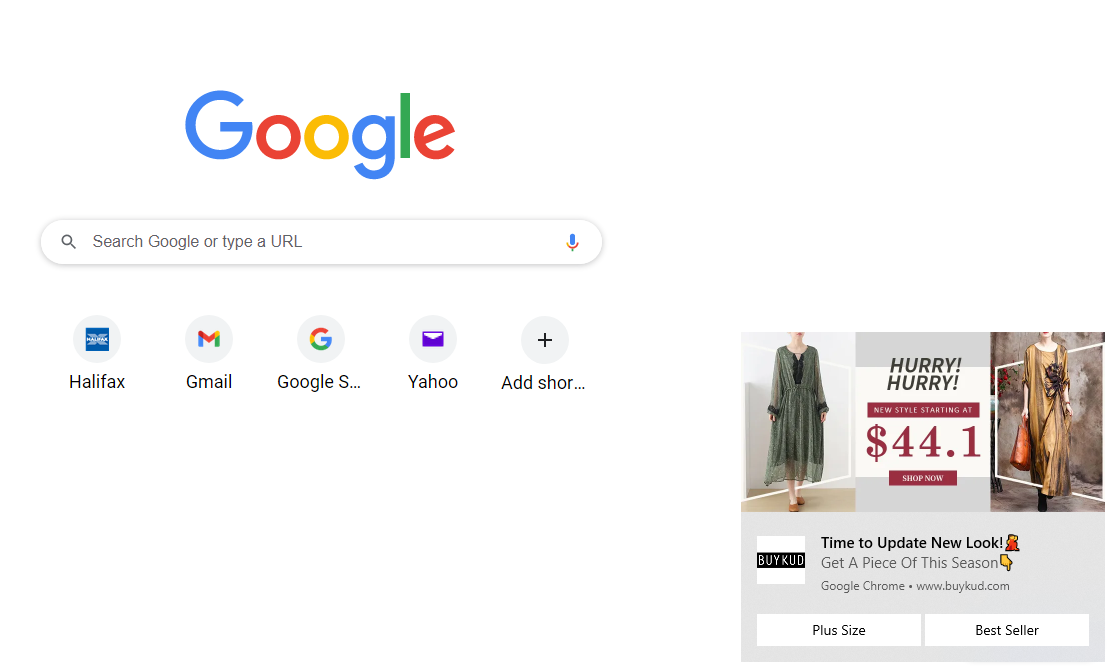
While these may look like ads, they're actually site notifications, which means the only way to get rid of them is to change your browser settings.
Disable Site Notifications in Chrome
Here's how to change your Chrome settings to prevent those annoying pop-ups.
-
Click the Chrome menu (the three vertical dots in the upper right corner of the Chrome window).
-
Select Settings.
-
Under Privacy and security, click Site Settings.
-
Under Permissions, click Notifications.
-
Next to the sites you no longer want to be notified about, turn off notifications.
If these steps don’t stop the pop-ups, you might have adware. Try the solutions here: What is adware and what can I do about it?